
Tutorial · 6 min read
Watch Battery Life: How Long a Watch Battery Really Lasts
Asking how long a watch battery lasts is a reasonable question with no single answer, and the search results that give one are guessing. A plain quartz watch might run three…
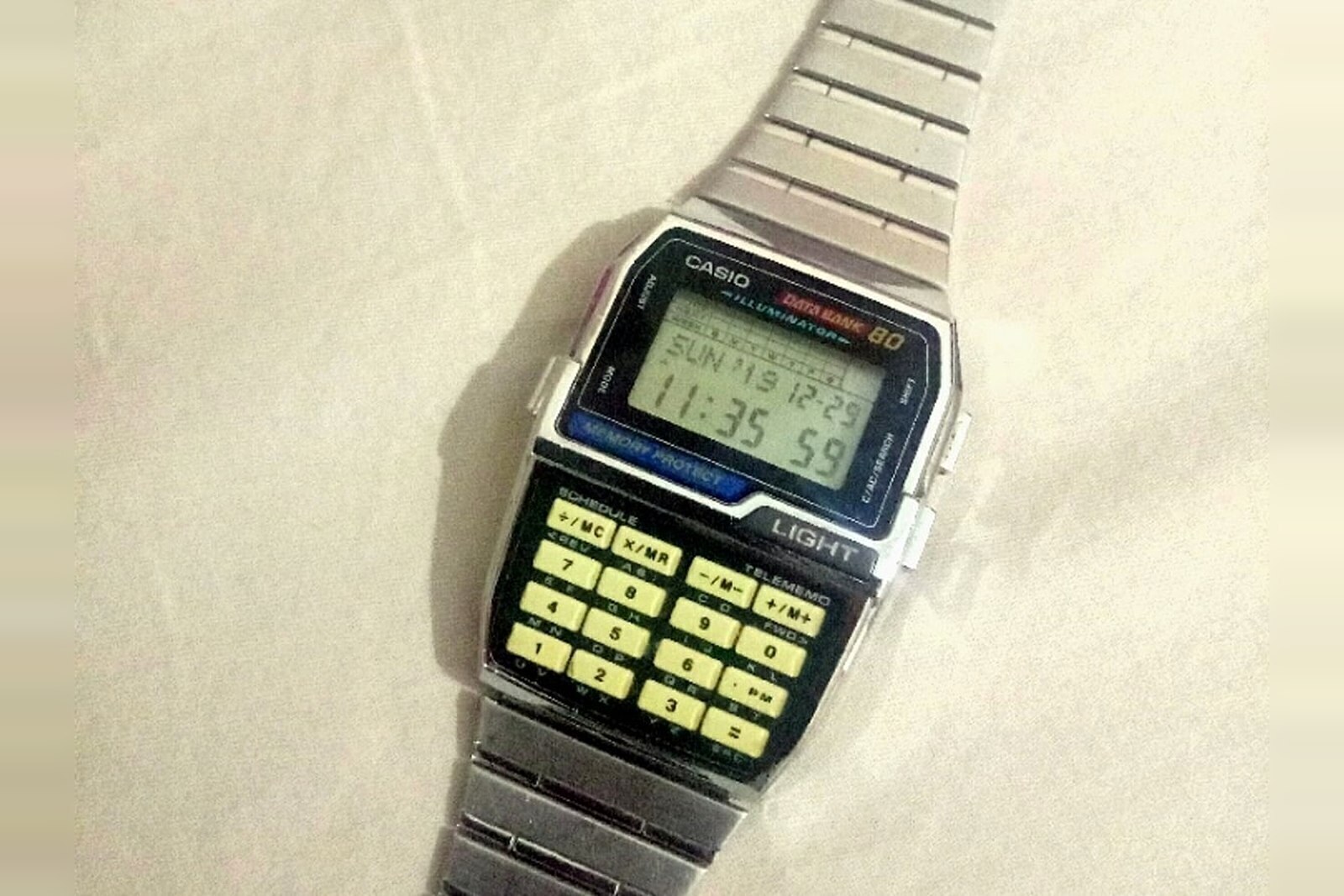
Asking how long a watch battery lasts is a reasonable question with no single answer, and the search results that give one are guessing. A plain quartz watch might run three years. A quartz chronograph on the same wrist might manage fifteen months. A light-powered watch may never need a cell at all, and a smartwatch needs charging before the day is out. The variable is not the battery — it is what the movement asks of it.
What follows is the ranges that published manufacturer figures and watchmaking practice broadly support, presented as ranges with their conditions. Any figure here is a typical span under normal use, not a promise about your watch.
Why there is no single figure
A battery is a fixed quantity of energy, and life is that quantity divided by consumption. Two watches with the same cell can differ by a factor of five on consumption alone:
- What the movement does continuously. Keeping time is cheap. Driving a chronograph sweep hand at a high beat rate is not.
- What you make it do. Alarms, backlights, hourly chimes and the calculator keypad all draw on top of timekeeping.
- How the cell is treated. Cold slows the chemical reaction; heat accelerates self-discharge and degrades the cell. A watch left on a sunny windowsill ages faster than one in a drawer.
- The chemistry. Silver oxide holds a steadier voltage across its life than alkaline, which is one reason movements specify it.
Typical lifespan by watch type
The table below is the practical version of the answer. Treat each row as "usually inside this band, more often near the middle".
| Watch type | Typical span | What drives it |
|---|---|---|
| Simple three-hand quartz | 2–3 years, some simpler movements up to 5 | Cell size and gearing; the cheapest movements are not the longest-lived |
| Quartz with a date or day complication | 18 months – 2 years | Extra switching at midnight, changing a disc |
| Quartz chronograph | 12–18 months | Sweep seconds at high beat; running the chrono more often shortens it further |
| High-efficiency quartz | up to about 11 years | Low-drain movements designed for longevity, e.g. ETA's 901.001 family |
| Solar / light-powered | Effectively indefinite while charged | The rechargeable cell degrades eventually; light exposure, not time, is the constraint |
| Kinetic / auto-quartz | 10–15 years between capacitor or cell services | Wear time charges it; storage discharges it; the storage component ages |
| Digital and multifunction | 12 months – 7 years | Wide spread by module; backlight and alarm use dominate |
| Hybrid analogue-smart | 6–12 months | Bluetooth and sensors draw heavily on a coin cell |
| Smartwatch | 18 hours – 14 days | Screen on-time, GPS, always-on display; the spread between models is enormous |
Two rows deserve a warning. The "up to 11 years" figure belongs to a specific class of low-drain movement and not to quartz generally — quoting it about a cheap fashion watch would be wrong. And the smartwatch row is a genuine range rather than a hedge: an always-on full-feature watch and a low-power fitness band differ by an order of magnitude, and neither figure says anything about the other.
What actually shortens a battery
In rough order of how much it matters:
- Backlights and alarms. The single biggest discretionary drain on a digital watch. A backlight used nightly costs measurable weeks per year.
- Running the chronograph. A chronograph left running is consuming the same as when you timed something. Reset it after use.
- Cold. Cell chemistry slows below roughly freezing, which is why a watch that is fine indoors can read weak on a ski slope.
- Heat. Worse than cold for longevity. A watch left on a dashboard accelerates its own self-discharge and ages the cell.
- The wrong cell. An alkaline cell in a movement specified for silver oxide starts at a different voltage and falls away faster, so it behaves like a dying battery long before it is one.
The signals that the cell is going
Quartz movements rarely fail without warning, and the warnings are worth knowing:
- The four-second tick. The most useful one. The seconds hand jumps four seconds at a time, once every four seconds, to tell you the cell is nearly flat while keeping the time roughly right. You usually have a week or two.
- A dimming display or a fading backlight. On digital watches the backlight is the first thing to weaken because it draws the most.
- Loss of function on button press. A digital watch that resets, blanks or drops its display when you press a button is running out, because the button draws a pulse the cell can no longer supply.
- Timekeeping drift before it stops. Some movements lose a few seconds a day as the voltage falls.
What is not a reliable signal is how long you have owned it. Lifespan varies enough that a watch bought two years ago may still have years left, and one bought last year may not.
Replacing a cell without creating a worse problem
The cell is the easy part. The case back is what turns a two-minute job into a repair:
- Use the specified cell. Not an equivalent, not a bigger one with the same voltage. The number is normally in the manual or stamped inside the case back.
- Do not touch the new cell's faces more than you have to; grease and salts on the surface are not helpful.
- Inspect the gasket. An O-ring that is flattened, cracked or stretched will not seal again. Replace it; it costs almost nothing compared with a water-damaged movement.
- Do not over-torque a screw back and do not force a press-fit back with the wrong die. Distorting the back defeats the seal.
- Pressure-test a diver. After any case opening, water resistance is an assumption until it is tested. A watchmaker has the equipment; you probably do not.
- Reset the settings. Digital and calculator watches usually need the time, date and sometimes the display format re-entered after a cell change.
For step-by-step coverage of the procedure on a calculator watch, including the press-fit case and the button-cell sizes involved, see the battery replacement guide. If your model is one of the documented ones, the CA-53W manual walkthrough identifies the exact cell and the reset sequence.
Calculator and databank watches: a special case
Calculator watches sit in the digital and multifunction row of the table, and the spread within that row is wide. A simple calculator module with a small keypad will comfortably outlast a databank model with a large memory display simply because the display is the load.
Casio's own documentation for the CA-53W quotes roughly five years from a single CR2016 cell under normal use. That figure is a manufacturer estimate for a specific module, not a general rule — and note that "normal use" excludes hammering the calculator and the backlight. The module-438 variant of the same case takes a different cell, which is exactly why the case back matters more than the model name. Our Casio calculator watch guide sets out which module is which across the range.
What to do with a watch you are not wearing
A watch left in a drawer with a live cell is fine for months and not for years. If a watch is going into storage, pull the crown out to its setting position on a mechanical watch to stop the movement, and on a quartz watch accept that the cell will still drain slowly and that a leaked cell is the real risk. Check stored watches annually, and if a cell has leaked, have the movement seen to rather than simply replacing the battery over the corrosion.
For light-powered and kinetic watches the advice inverts: they need light and motion respectively, so storage is the one thing that damages them. A solar watch left in a dark box for a year may need days under a lamp to recover, and some will not recover at all.
Frequently asked questions
How long does a watch battery last?
It depends entirely on the watch, which is why any single number is wrong. A plain three-hand quartz watch typically runs two to three years on a cell; a quartz chronograph with a running sweep hand often manages twelve to eighteen months; a light-powered watch can run indefinitely while the cell and capacitor hold up; and a smartwatch is measured in hours or days. The honest answer is that lifespan is a property of the movement and how hard you use it, not of watches in general.
What does a four-second tick mean?
On most analogue quartz movements it is an end-of-life warning. The movement skips four seconds at a time to signal that the cell is nearly flat while keeping the hands roughly correct, and it usually starts a week or two before the watch stops. Some movements also jump two seconds, and some do nothing at all and simply stop. If you see the four-second tick, the cell needs replacing now rather than later, before it leaks.
Does leaving a dead battery in a watch damage it?
Yes, potentially. A spent silver-oxide or alkaline cell can leak, and the electrolyte attacks the movement, the circuit and the plating. A leaked cell can turn a routine battery change into a movement replacement. Have the cell removed promptly once the watch has stopped, and if a watch has been sitting in a drawer for years, consider having it opened before you assume the problem is only the battery.
Are all watch batteries the same?
No, and fitting the wrong one ranges from ineffective to damaging. Cells differ in chemistry — silver oxide and alkaline cells look similar but behave differently — in physical size, and in voltage. A larger cell can be crushed against the movement, and an alkaline cell in a movement designed for silver oxide will deliver a voltage that drops as it ages. Always fit the cell the movement specifies.
Can I replace a watch battery myself?
Sometimes, but the case back is the obstacle rather than the cell. Press-fit backs need a case press to reseat without distorting the gasket, and screw-down backs need the right tool and the right torque. Replacing a cell is easy; restoring the water resistance afterwards is not, because it depends on a gasket that should be inspected and often replaced. Our battery replacement walkthrough covers the procedure and the cases where the answer is to pay someone.
Does a watch battery life reset when the battery is replaced?
You get a full cell, so the countdown restarts, but it does not necessarily restore everything. Some movements keep running on a reserve capacitor during a change; others lose their settings and need resetting. Water resistance does not renew itself with the cell, and on an older watch the gasket may not survive being opened and closed again. Have the seal checked whenever the case is opened.
Models referenced in this guide
Every specification on these pages is sourced from manufacturer documentation.
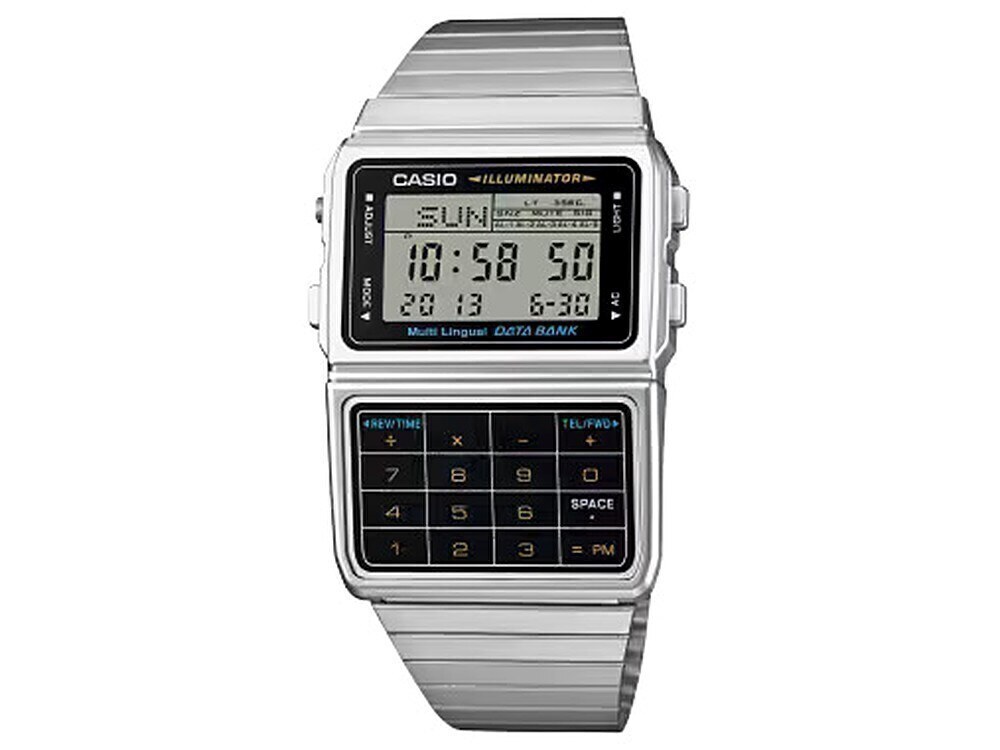
Casio DBC-611
DBC-611-1
The Data Bank calculator watch: an 8-digit calculator with currency conversion, a 25-entry phone book, five alarms and an amber LED light, on a steel band.
- Case
- 46.5 × 33.1 × 8.7 mm
- Weight
- 48 g
- Battery
- CR1616
- Water resistance
- Water Resistant (Casio publishes no depth rating)
Checked 19 Nov 2026 · Casio official site
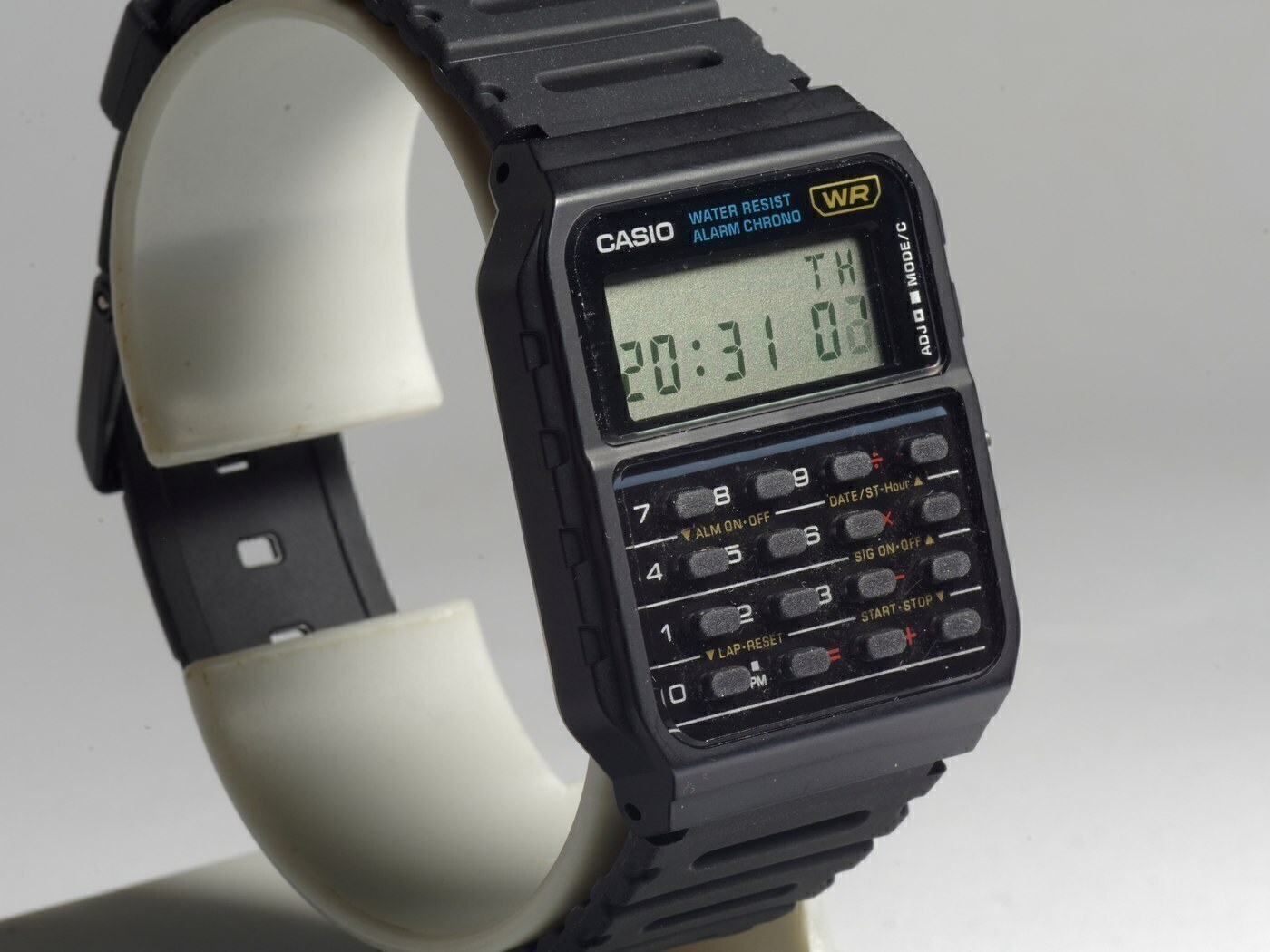
Casio CA-53W
CA-53W-1
The template calculator watch: a resin-cased 8-digit calculator with a full keypad, five-year battery and the lightest case of any model in this guide.
- Case
- 43.2 × 34.4 × 8.2 mm
- Weight
- 25 g
- Battery
- CR2016
- Water resistance
- Water Resistant (no depth rating published by Casio; not for swimming)
This article is editorial. Where a figure is given, it comes from the manufacturer’s published documentation and is dated on the page; where we are expressing a judgement, we say so. Something wrong? Tell us.