
Tutorial · 3 min read
Apple Watch Calculator
Apple Watch has a Calculator app built in. It does basic arithmetic, and it has a tip-and-bill-splitting mode that is genuinely more convenient on a wrist than on a phone.…
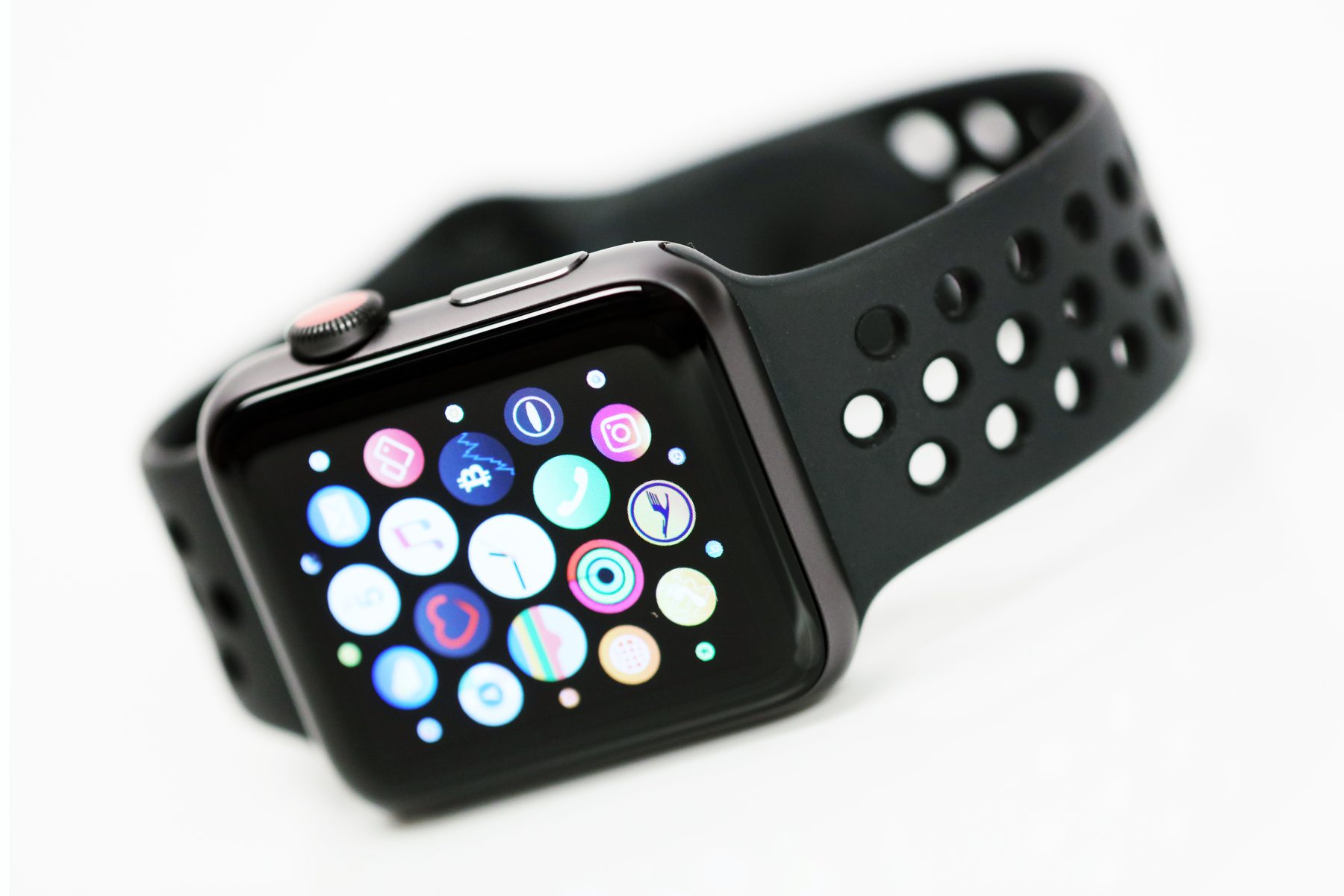
Apple Watch has a Calculator app built in. It does basic arithmetic, and it has a tip-and-bill-splitting mode that is genuinely more convenient on a wrist than on a phone. This page covers what Apple documents about it, the limitations Apple states, and the one distinction that people searching for "Apple Watch calculator" usually have not thought about: it is not a calculator watch.
What the Calculator app does
Open Calculator on the watch and tap numbers and operators to work through a calculation; the result appears as you go. This is a straightforward four-function calculator and it needs no explanation beyond the fact that it exists and is free with the watch.
The operation most people miss is Siri. Asking "What's 73 times 9?" or "What's 18 percent of 225?" gives you the answer audibly and on screen without opening the app or tapping anything, which for a one-off sum is faster than the app itself.
Tip and bill splitting: the feature that justifies it
This is the part of the Apple Watch calculator that is not simply a small version of a phone calculator, and Apple documents the flow explicitly:
- Enter the bill total.
- Tap Tip.
- Turn the Digital Crown to set the tip percentage.
- Tap People and set how many people are splitting the bill.
The watch then shows the tip, the total including it, and the amount each person owes for an even split. Doing that on a wrist, at a table, without taking a phone out, is the whole point. It is the best argument for the app's existence.
Two caveats Apple states directly, and both matter. The Tip feature is not available in all countries or regions, so it may simply be absent where you live — that is regional configuration, not a fault. And the app's presence on the watch is tied to the iPhone: removing Calculator from the iPhone also removes it from Apple Watch. If the icon has vanished, look at the phone before you troubleshoot the watch.
What it cannot do
There is nothing on the watch's calculator that handles a running list of figures, and no memory keys in the sense a physical calculator watch has. The bill-splitting mode assumes an even split, so a table where people ordered differently still needs one of you to do the maths. And because it is a touchscreen with no tactile keys, it cannot be operated without looking at it — which is exactly the constraint a 20-key physical keypad exists to solve.
Apple's own Calculator guide is the authority for how the app behaves, and Apple revises it with each watchOS release. Treat any specific menu path in this article, or anywhere else, as correct for the current release and check it against that page before relying on it — Apple also flags the regional restriction on the Tip feature there, which is the detail most third-party write-ups miss.
Why this is not a calculator watch
The comparison is not a put-down of either object. It is a definitional line worth drawing, because "Apple Watch calculator" and "calculator watch" describe different things and searching for one should not land you on the other without an explanation.
A calculator watch is a watch with a numeric keypad and a dedicated calculator circuit. It has physical keys, holds its state with the screen off, works in the rain and in gloves, runs for years on a coin cell, and does not depend on a phone, an account or an app catalogue. Its limitations are the mirror image: a tiny display, one function at a time, and no way to update it.
An Apple Watch is a general-purpose computer with a calculator program on it. It is vastly more capable, and it is dependent on charging, pairing and software support that the 40-year-old object on the other side of the comparison has never needed. Neither is a replacement for the other; they are answers to different questions.
If you want the keypad version
Casio still makes calculator watches, which is not true of any other major brand. Our buying guide covers the current range and what each model is for; the shortlist narrows it to four, and the function guide explains the difference between a full keypad and a decorative one. If you found this page while sizing a smartwatch for your wrist, the size calculator works for those too.
Frequently asked questions
Is there a calculator on Apple Watch?
Yes. Apple Watch has a built-in Calculator app that handles basic arithmetic. There is no additional download required, and Apple also documents Siri as a way to get a calculation answered without opening the app at all.
Can an Apple Watch work out a tip and split the bill?
Yes, and this is the feature that makes it genuinely useful rather than a novelty. Enter the total, tap Tip, turn the Digital Crown to choose a percentage, then tap People and set the number of people. Apple's documentation says it shows the tip amount, the total and the per-person share. Note that Apple also states the Tip feature is not available in all countries or regions.
Why has the calculator disappeared from my Apple Watch?
Apple documents the cause: if you remove the Calculator app from the paired iPhone, it is also removed from Apple Watch. Reinstalling it on the iPhone restores it on the watch. This is a stock app rather than an optional download, which is why its disappearance is usually the result of an iPhone-side change.
Does an Apple Watch need a paired iPhone to calculate?
The app runs on the watch, so the arithmetic itself does not require the phone to be present. But the app's presence on the watch is tied to the phone, and the watch has to be set up and paired in the first place. It is not a standalone device in the way a 1980s calculator watch is.
Is an Apple Watch a calculator watch?
No, and the distinction is worth being precise about. A calculator watch has a physical numeric keypad and a dedicated calculator module, and works without a phone, an account, a charge every night or an app store. An Apple Watch runs a calculator app on a general-purpose computer. The overlap is the arithmetic; almost nothing else about the two objects is the same.
This article is editorial. Where a figure is given, it comes from the manufacturer’s published documentation and is dated on the page; where we are expressing a judgement, we say so. Something wrong? Tell us.